
A contracting company can win a project at an attractive price and still lose control after mobilisation. The estimate may stay in one spreadsheet, purchase commitments in email, material issues in a site notebook, labour hours in another file and invoices inside accounting. By the time management combines the numbers, the project has already moved forward.
An ERP does not improve margin simply because the software is installed. It helps when the company agrees on one project structure and connects each approved transaction to it. The objective is to see the relationship between scope, budget, commitments, actual cost, progress, billing, collections and forecast profit while there is still time to act.
- The tender estimate cannot be compared directly with actual project costs.
- Purchase orders are approved without seeing the remaining project budget.
- Materials reach the site but are not charged to the correct project or activity.
- Site expenses arrive late and change the margin after reporting.
- Variation work begins before scope, price and approval are documented.
- Management cannot see committed cost, unbilled work or collection exposure in one view.
Build one project and cost-code structure
Start by deciding how every project will be identified. The structure may include customer, contract, project, site, phase, activity and cost code. It should be detailed enough to explain performance but simple enough for purchasing, stores, site engineers and finance to use consistently.
Cost codes normally group labour, materials, subcontractors, equipment, overheads and other direct costs. The same code used in the estimate should continue through purchase requests, purchase orders, material issues, timesheets, expenses and accounting entries. Changing classifications halfway through the process makes comparison unreliable.
Define who can create projects, change budgets, open cost codes and close completed work. Good governance prevents duplicate projects and protects the baseline that management uses to evaluate performance.
Convert the approved estimate into a controlled budget
The tender estimate contains assumptions about quantity, rate, productivity, supplier pricing and execution method. After award, review those assumptions and convert the approved version into a project budget. Preserve the original contract value and baseline rather than overwriting them whenever conditions change.
A useful budget separates revenue from cost and records expected quantities and values by work package. It should also identify contingency, provisional items and management reserves according to the company's policy. This gives project teams a clear limit and creates an audit trail for approved revisions.
When a budget change is necessary, record the request, reason, supporting evidence, approval and effective date. Management should be able to distinguish the original plan from approved changes and forecast adjustments.
Connect procurement to project commitments
A purchase order affects the project before the supplier invoice arrives. Treat the approved order or subcontract as a commitment so the team can see budget consumed by both actual cost and work already ordered. Otherwise, an apparently available balance may already be committed.
The workflow should connect request, quotation comparison, approval, purchase order, delivery or service confirmation, supplier invoice and payment. Each step should carry the project and cost code. Approval limits can vary by amount, category, urgency or budget availability.
For subcontractors, record the agreed scope, rates, milestones, advances, deductions and supporting documents. The exact treatment of retention, certification and payment depends on the contract and should be configured and reviewed with finance and contract specialists.
Charge materials to the correct site and activity
Materials may be purchased directly for a project, received into a central warehouse, transferred to a site, returned, damaged or moved between projects. Each movement needs a document, location, quantity, responsible person and project reference.
A site receipt should not automatically prove that the material was consumed. Separate receiving, storage and issue transactions where operationally useful. This makes it easier to identify unused stock, material held at site and quantity issued to a particular work package.
Standard item codes and units of measure are essential. If one team records cement by bag, another by pallet and purchasing by tonne without controlled conversions, quantity and cost reports will not agree.
Capture labour, equipment and site expenses promptly
Project cost reports are only as current as the data entering them. Establish a practical cut-off and approval process for timesheets, equipment usage, fuel, accommodation, transport, petty cash and site purchases. Mobile or simplified entry can help, but every record still needs ownership and evidence.
Equipment should be linked to the project for the period it is used, with the agreed charging rule. Owned equipment, rented equipment and subcontracted machinery may need different cost treatment. Track downtime and transfer dates when those factors materially affect cost.
Late expense entry creates a false margin. Management may believe the project is performing well simply because costs have not yet reached the system. Daily or weekly discipline is more valuable than a complicated report built on incomplete data.
Control variations before they disappear into normal work
Variation work can increase revenue, increase cost or do both. Create a separate record as soon as the change is identified. Include the description, instruction or request, estimated cost, proposed price, status, responsible owner and related evidence.
Do not mix unapproved variation revenue into the contract value. Management should see the difference between submitted, under-review, approved, rejected and executed variations. Site teams also need a clear rule for emergency instructions and the documentation required afterward.
This is a commercial and contractual control, not only an accounting task. The workflow should match the contract and the company's delegated authority.
Link progress, billing and collection
Project progress can be measured by quantity, milestone, percentage or another agreed method. The operational progress record and the amount eligible for billing are related but not always identical. Keep the supporting measurement, approval and certificate history.
A billing workflow may include draft valuation, internal review, customer or consultant certification, invoice, retention, advance recovery, deductions and collection. Exact fields and calculations should be confirmed against real contracts before configuration.
Management needs visibility not only of invoices issued, but also work performed and not yet billed, invoices certified but unpaid and amounts withheld. These views help project, commercial and finance teams coordinate follow-up.
Keep VAT and e-invoicing decisions with qualified owners
Contracting transactions can involve progress claims, advances, retentions, variations and supplies to government entities. Their VAT treatment and timing should be confirmed for the actual contract. ZATCA publishes a dedicated contracting-sector VAT guideline and official e-invoicing requirements.
Saudi e-invoicing operates in two phases. Phase Two is introduced in waves and requires targeted taxpayers to integrate their electronic solution with ZATCA systems and generate invoices in the required format. The configured workflow must be tested for the taxpayer's applicable requirements; a general product statement is not enough.
Reports management should review
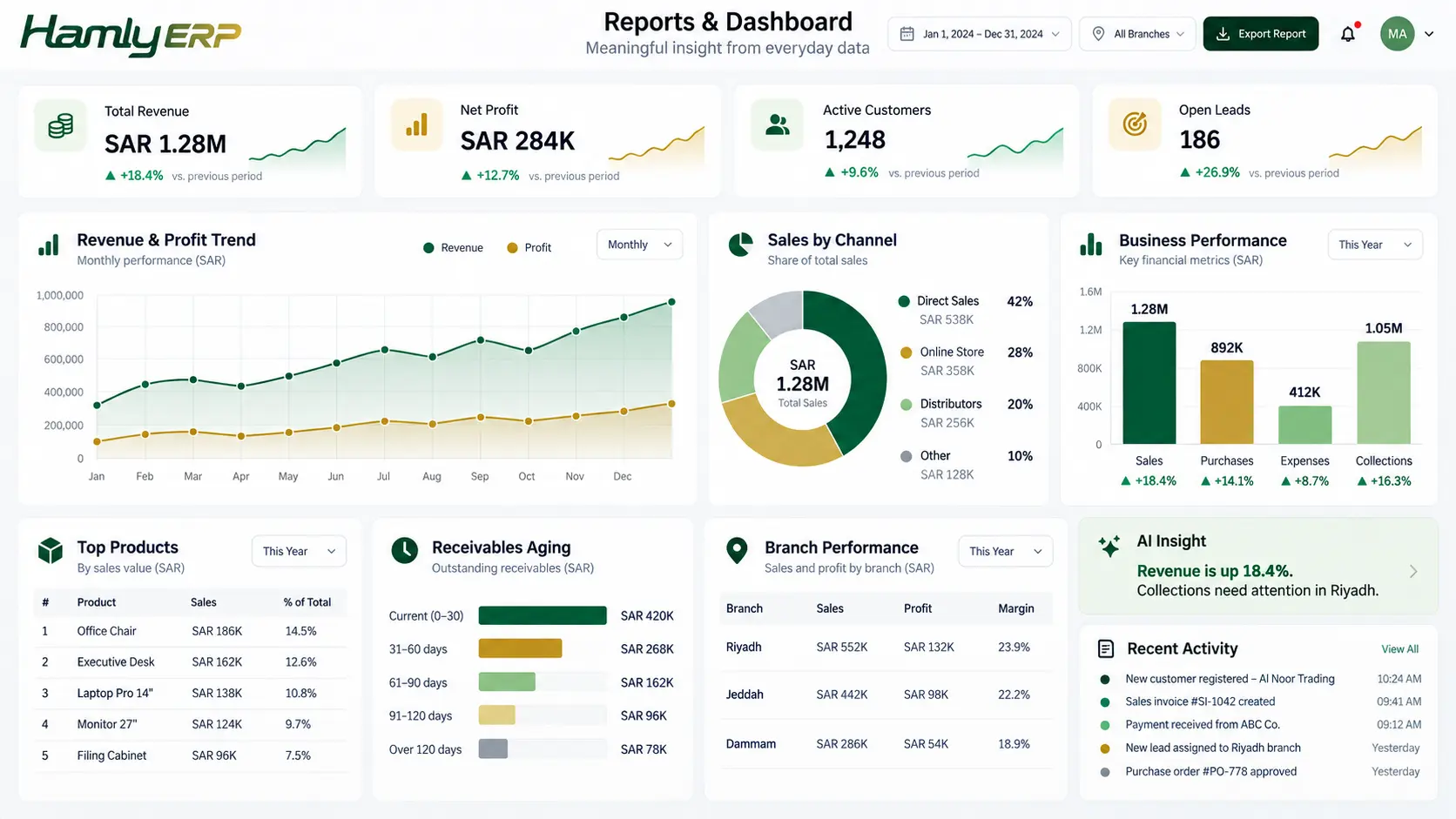
A useful contracting dashboard should compare contract value, approved variations, budget, commitments, actual cost, forecast cost, progress, billed value, collections and projected margin. The detail should be available by project, phase, cost code, supplier and period.
Exception reporting is often more useful than a large summary. Highlight purchase requests over budget, delayed approvals, unmatched receipts, unapproved site expenses, negative stock, overdue certifications, unbilled work and overdue customer balances.
Agree the owner and review frequency for every report. A dashboard without a decision routine becomes another screen that people stop checking.
A practical ERP rollout for a contracting company
- Select one representative project: use a live project with purchasing, site material, labour and billing activity.
- Map the real workflow: tender handover, budget, procurement, stores, site cost, progress, billing and collection.
- Define project and cost codes: agree one structure across operations and finance.
- Clean master data: customers, suppliers, subcontractors, items, equipment, employees and units.
- Configure approvals: budget changes, purchases, expenses, variations and billing.
- Test exceptions: partial delivery, supplier variance, transfer, return, rejected claim and delayed certification.
- Reconcile the pilot: compare ERP reports with the approved budget, site records and accounting.
- Expand by project: move only after responsibilities, training and closing routines are stable.
Frequently asked questions
What should a contracting ERP connect first?
Connect the approved estimate, project budget, cost codes, procurement commitments, site expenses, progress records and billing. These create the minimum chain needed to compare plan, cost and revenue.
How does ERP help control project costs?
It links approved transactions to the correct project and cost code, allowing management to compare budget, commitments, actual cost and forecast rather than waiting for manually combined spreadsheets.
Can an ERP manage retention and variation orders?
These workflows may be supported through standard functions or may require configuration or customisation. Test the exact documents, approvals, calculations and tax treatment against a real contract before implementation.
Can Hamly ERP support a contracting workflow?
Hamly ERP includes projects, purchasing, inventory, accounting, finance, assets and reporting modules that can form part of a connected workflow. Exact fit, progress billing, retention, integrations and required customisation must be confirmed in a workflow-based demonstration.
Official references
- ZATCA: VAT guideline for the contracting sector
- ZATCA: Official e-invoicing portal
- ZATCA: Phase One and Phase Two overview